
When a renter has put in a request for your RV, you can review all aspects and details of that request before accepting. When looking at a rental request, you can see if that renter has requested any add-ons for their trip and delivery. To locate that information, follow the steps below:
Select My Rentals from the site menu
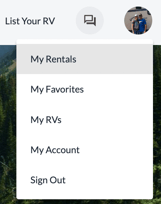
Click the 'Rental Details' of the corresponding trip

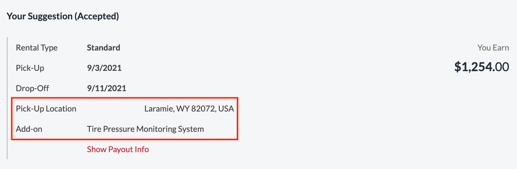
You will see add-on information and delivery information in the request timeline, and in the payout information box
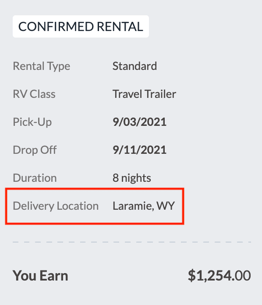
You can also see the delivery location in the details of the trip on the left side of the screen
If you notice any issues with any information on the request, before accepting, reach out to support@rvrentals.com for more information.