
If you are having issues logging into your account, please follow the steps below to reset your password:
- Go to Goodsam.com
- Click the Account button in the top right hand corner

- Select Sign In/Create Account
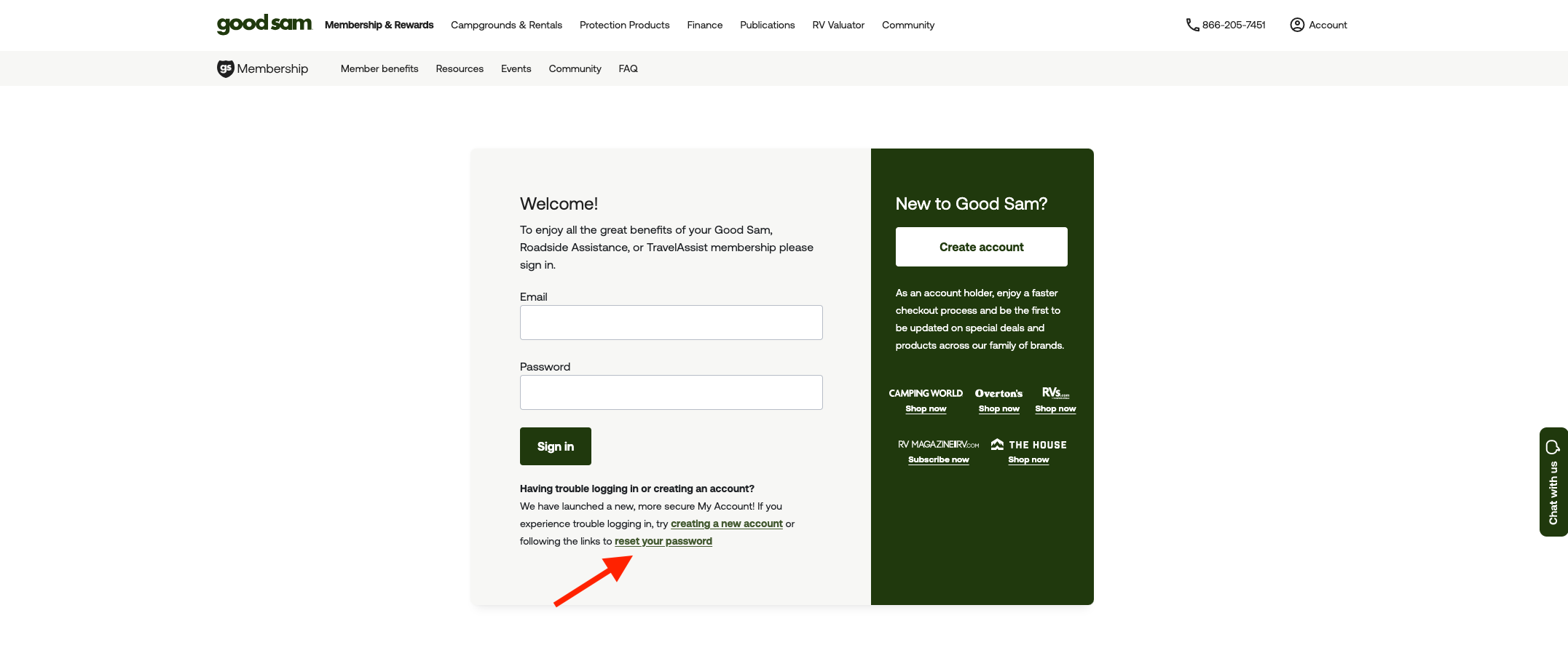
- Click Reset Your Password located at the bottom of the page
- Follow the steps and save your new password
Please check your spam or junk folder if you are not receiving the email. If you have not verified your email address, this also may create issues in receiving the password reset email.
Be sure to save the updated password to your device or write it down to avoid any issues in the future.