
Once you have put in a rental request, the RV owner has 48 hours to reply to your inquiry. You are not charged until an owner accepts the request and your trip is confirmed. To check the status of your rental request:
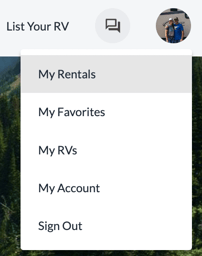
Select My Rentals from the site menu
In the corner of the rental information box, it will tell you the status of the rental. This will either be Inquiry, Confirmed, Completed, Declined, Cancelled or Expired. To view more detailed information, click on the Rental details of that trip.
