
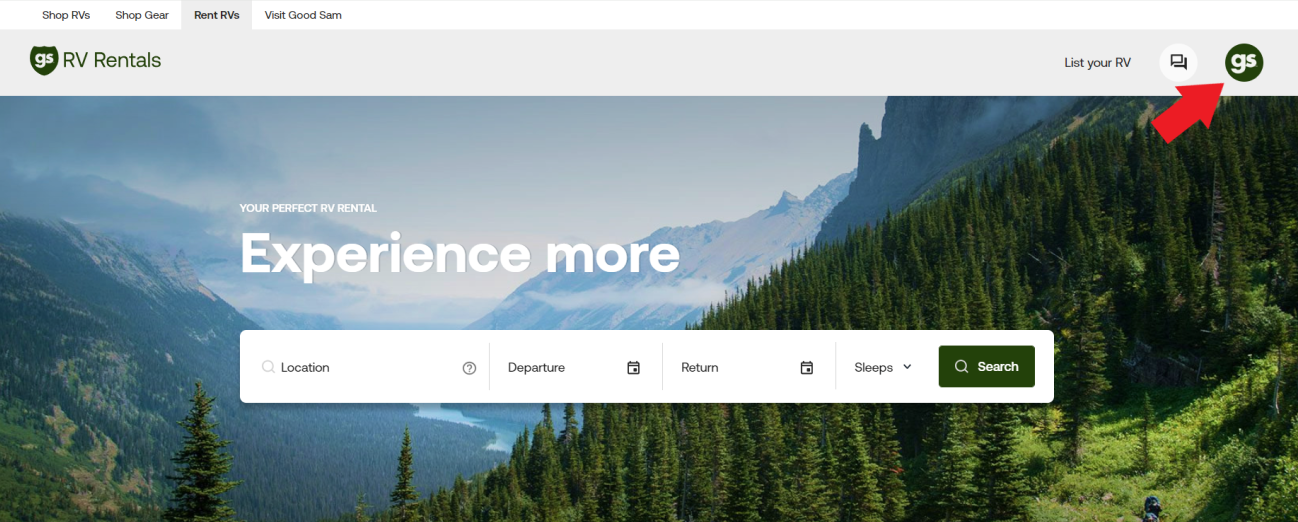
The site menu is in the top right corner of the page on your desktop browser. The icon is a small circle. The menu is where you will find your bookings, your account information, and the RVs you have listed. This dashboard is the same for both owners and renters.
- My Rentals: Where you will find all current, past, or future rental bookings
- My Favorites: Any RVs you've favorited on the site
- My RVs: Where owners will find current RV listings to edit and update
- My Account: All account information