
If a trip needs to be cancelled, log into your account and follow the steps below:
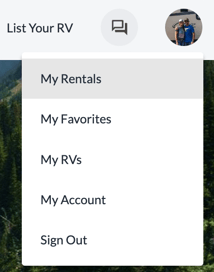
Select My Rentals from the site menu
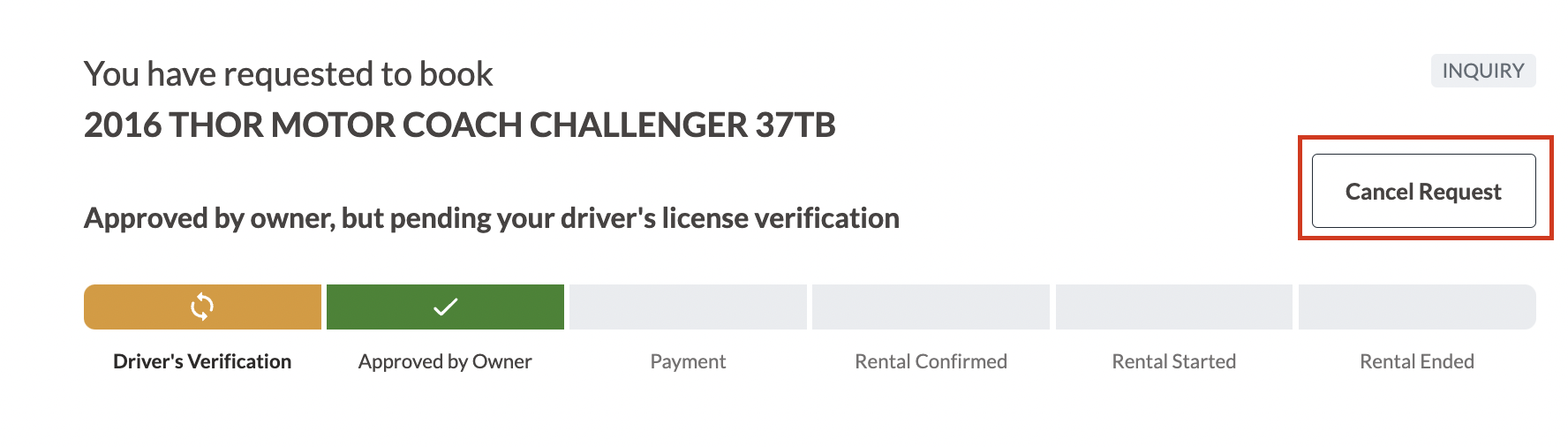
Click the Rental Details of the corresponding booking

Click the Cancel Request button
Be sure to select the proper cancellation reason. Your trip status will change to "Cancelled" once you successfully cancel your trip.
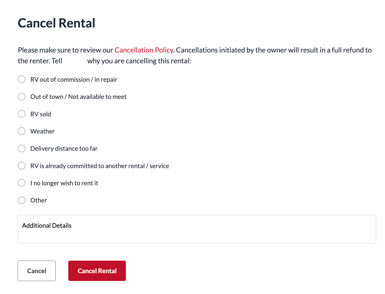
*You may be subject to our Cancellation Policy. Please reach out to support@rvrentals.com with any questions, before cancelling.